Enable X11 forwarding after Sudo SSH session for AWS EC2 Linux instance

1 min read
Jan 9, 2019 12:00:00 AM

Challenges

Working with a secure environment presents some challenges and this post will demonstrate how to overcome one of the challenges.

Prerequisites:

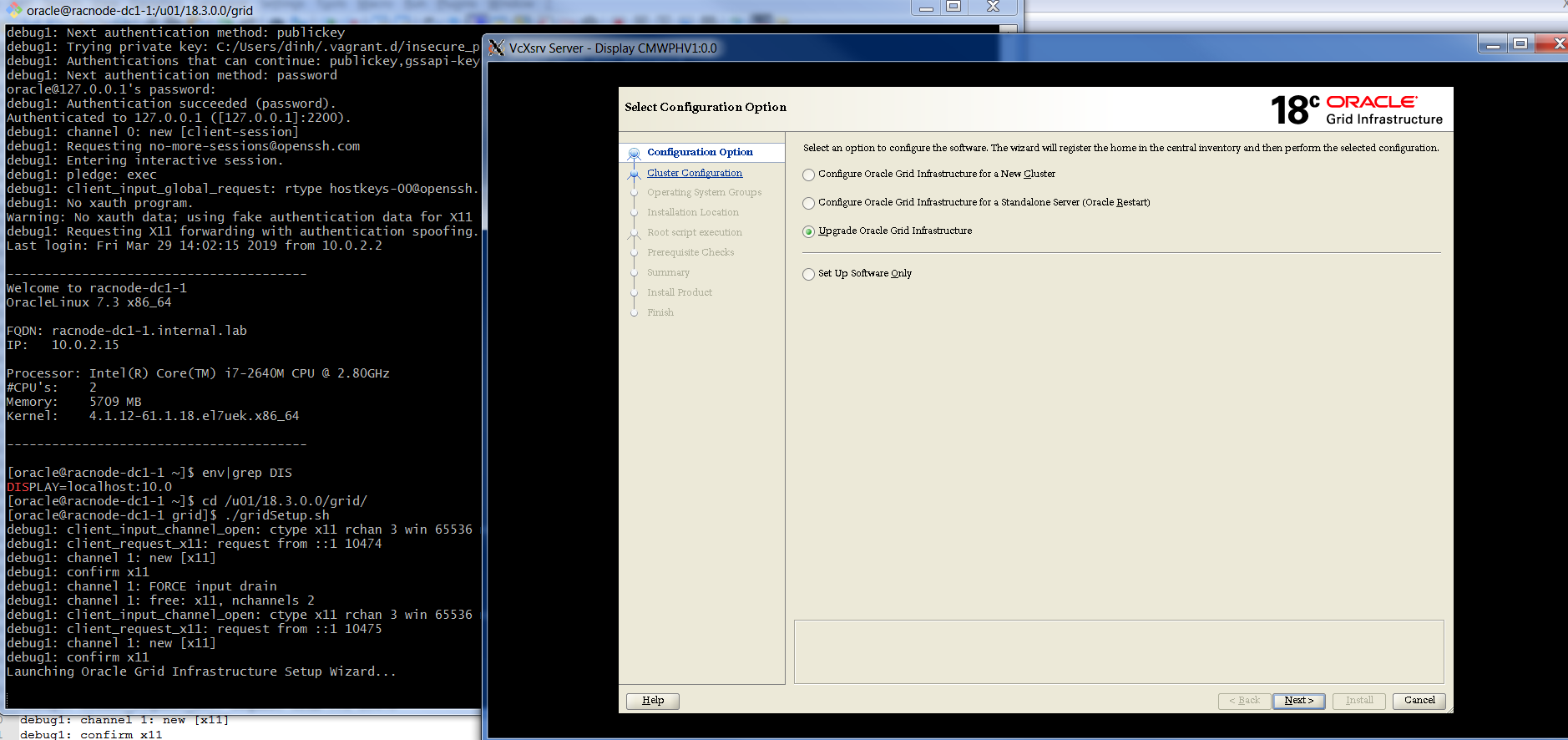
Configuration for X-Windows must have been completed. Scenario: From laptop, connect to dinh@host, then connect to ssh ec2-user, then sudo su - oracle.

### Connect to AWS EC2 instance
 [dinh@securehost ~]$ ssh -X ec2-user@ipaddress
 Last login: Fri Dec 7 14:41:41 2018 from gw.ca.adm.pythian.com
 
  __| __|_ )
  _| ( / Amazon Linux AMI
  ___|\___|___|
 
 https://aws.amazon.com/amazon-linux-ami/2018.03-release-notes/
 13 package(s) needed for security, out of 16 available
 Run "sudo yum update" to apply all updates.
 
 ### Test xclock works from ec2-user
 [ec2-user@ipaddress ~]$ xclock
 Warning: Missing charsets in String to FontSet conversion
 ^C
 
### Show all magic cookie
[ec2-user@ipaddress ~]$ xauth list ipaddress/unix:12 MIT-MAGIC-COOKIE-1 7e53e7600ff4177d7bbc66bde0a1b1ca ipaddress/unix:11 MIT-MAGIC-COOKIE-1 e3d1a8915484c929ef3e809b047e6352 ipaddress/unix:10 MIT-MAGIC-COOKIE-1 07b3de3093cef835c19239ea952231b7 ### Show DISPLAY variable [ec2-user@ipaddress ~]$ env|grep DISPLAY DISPLAY=localhost:10.0 ### Create /tmp/xauth based on current DISPLAY variable [ec2-user@ipaddress ~]$ xauth list | grep unix`echo $DISPLAY | cut -c10-12` > /tmp/xauth [ec2-user@ipaddress ~]$ ll /tmp/xauth ; cat /tmp/xauth -rw-rw-r-- 1 ec2-user ec2-user 78 Dec 7 14:47 /tmp/xauth ipaddress/unix:10 MIT-MAGIC-COOKIE-1 07b3de3093cef835c19239ea952231b7 ### Sudo to oracle [ec2-user@ipaddress ~]$ sudo su - oracle Last login: Fri Dec 7 14:43:12 UTC 2018 on pts/0 ### Add and Verify xauth [oracle@ipaddress ~]$ xauth add `cat /tmp/xauth` [oracle@ipaddress ~]$ xauth list ipaddress/unix:10 MIT-MAGIC-COOKIE-1 07b3de3093cef835c19239ea952231b7 ### Verify and Add DISPLAY variable [oracle@ipaddress ~]$ env|grep DISPLAY [oracle@ipaddress ~]$ export DISPLAY=localhost:10.0 ### Test xclock works from oracle [oracle@ipaddress ~]$ xclock Warning: Missing charsets in String to FontSet conversion ^C [oracle@ipaddress ~]$ ### Example of failed xclock [oracle@ipaddress ~]$ xclock Error: Can't open display: [oracle@ipaddress ~]$ xclock

Oracle Database Consulting Services

Ready to optimize your Oracle Database for the future?


On this page

Ready to unlock value from your data?

With Pythian, you can accomplish your data transformation goals and more.