


Encrypting an existing MySQL/MariaDB RDS instance
- Create a manual snapshot of the unencrypted RDS instance
- Go to Snapshots from the left panel and choose the snapshot just created
- From the Actions, choose Copy snapshot option and enable encryption
- Select the new encrypted snapshot
- Go to Actions and select Restore snapshot
- Extend the Binary Log Retention Period on the unencrypted RDS instance
- Create a Read Replica from the unencrypted RDS instance
- Stop Replication on the Read Replica and note down the Relay_Master_Log_File & Exec_Master_Log_Pos from SHOW SLAVE STATUS
- Create a manual snapshot from that Read Replica (This snapshot will be unencrypted)
- Copy that snapshot and enable encryption
- Restore that snapshot (this will create an encrypted RDS instance)
- Start an external replication from the binary log file and position mentioned in Step-3
- The binary log retention period is extended on the master RDS instance, as in RDS, binary logs will be flushed as soon as the replica executes events.
- On the master RDS instance, a replication user is created with the required privileges.
- The access of the replica RDS instance is allowed into the security group of the master RDS instance.
On this page
Share this
Share this
More resources
Learn more about Pythian by reading the following blogs and articles.
EBS DBA: WF Mailer Override Address and Cloning: How to
Nov 19, 2010 12:00:00 AM
1
min read
Cosmos DB consistency models – SQL on the edge episode 16
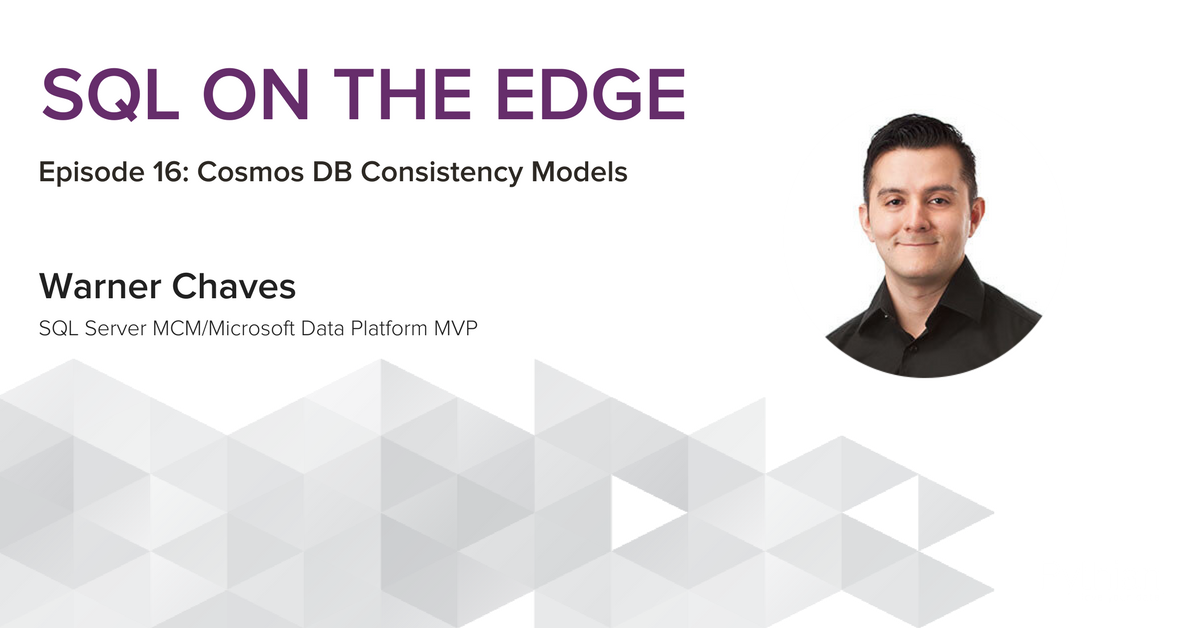
Cosmos DB consistency models – SQL on the edge episode 16
May 3, 2018 12:00:00 AM
2
min read
EBS: R12 Default OACORE Memory Settings Are Not Enough
Dec 10, 2012 12:00:00 AM
2
min read
Ready to unlock value from your data?
With Pythian, you can accomplish your data transformation goals and more.