


Upgrade jitters? If you’re running older versions of OBIA, the new 11.1.1.10.2 release brings game-changing features like automatic error handling and proactive health checks that are too good to ignore. Discover how these tools prevent data corruption and streamline your ETL process before you even hit "run."
What to Do With Poorly Formatted JSON
I have been working with BI Applications since OBIA switched to ODI in version 11.1.1.7.0. I have installed and worked with all of the 11.x versions using several different sources. This most recent version of OBIA may only be a Patch-Set release, but it has some new features that make it very compelling; ETL automatic error handling, Health Check, ETL Diagnostics, and built in Email notifications.
If you've been using earlier version of OBIA 11.x (or 7.x for that matter), now may be the time to upgrade. In an Oracle Advisor's Webcast, Rajesh Lakra, BIApps Global Product Support Lead Engineer, said this version will be the upgrade path to the OBIA 12.x, which is slated for release sometime in 2017. Also, it may just be circumstances I've been exposed to, but this latest version seems more performant as well. Since I've not had an opportunity to do benchmark time testing against the same source data, I cannot verify yet. However, I am setting up some environments to do just that. Keep an eye out for a future blog post for performance comparisons.
.webp?width=1034&height=591&name=LP%20(1).webp)
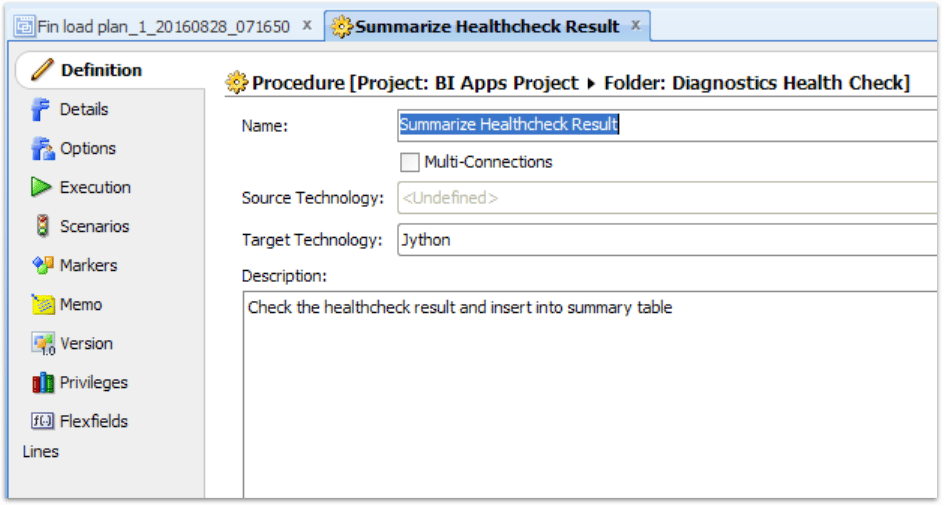
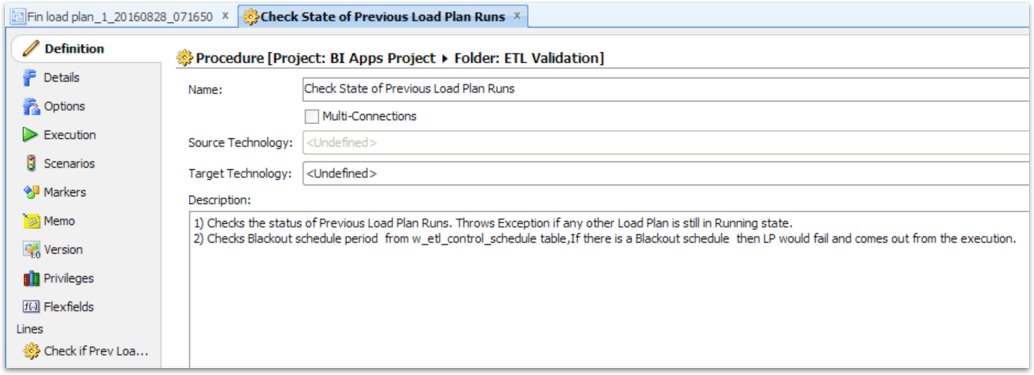
Check Previous Load Plan Runs is a package that only has the following procedure:
Check State of Previous Load Plan Runs
-
Checks the status of Previous Load Plan Runs. Throws Exception if any other Load Plan is still in Running state.
-
Checks Blackout schedule period from w_etl_control_schedule table. If there is a Blackout schedule then LP would fail and comes out from the execution.
I’ve not found any documentation about this package or procedure. However, the procedure itself has three steps.
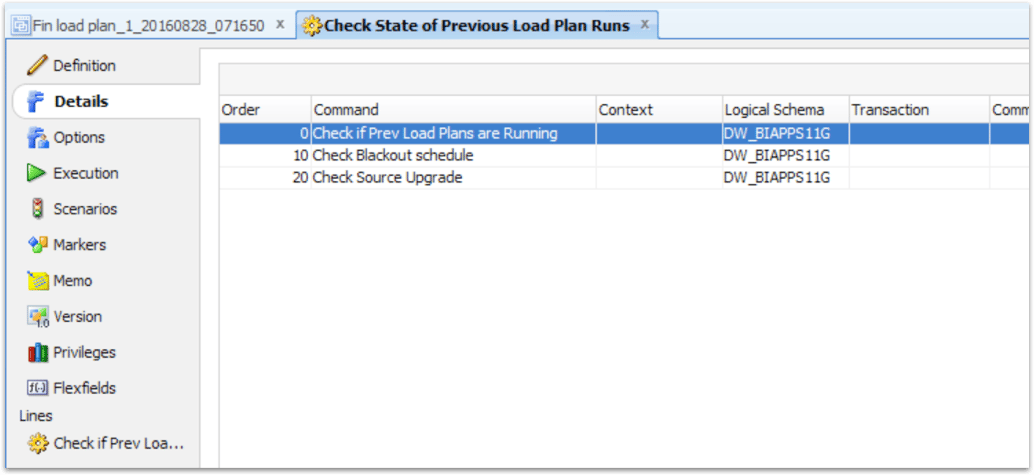
-
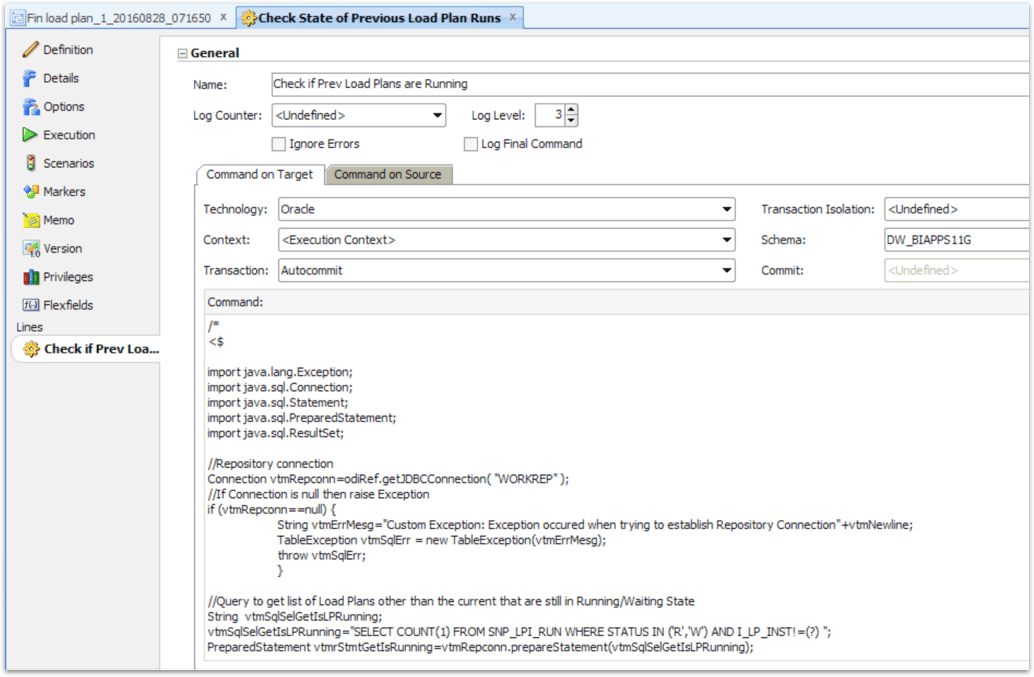
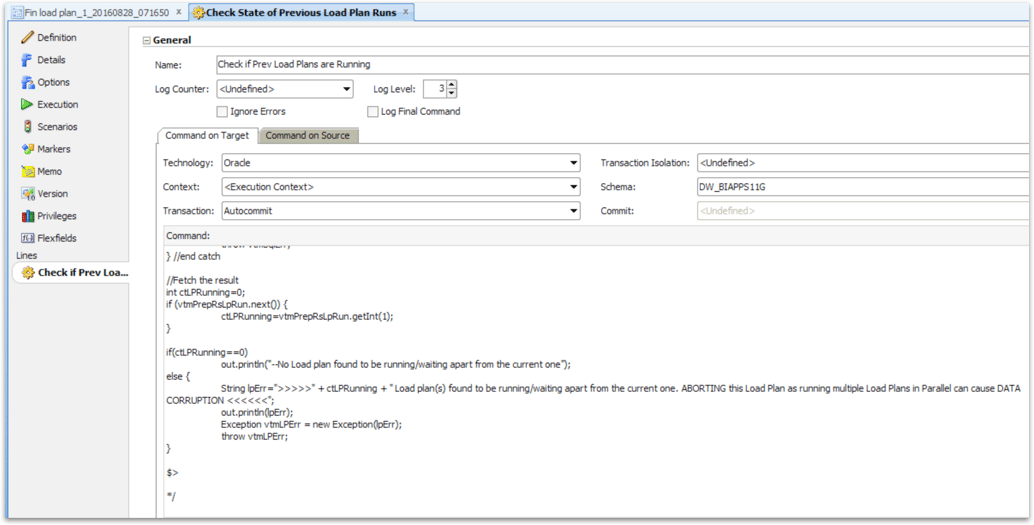
Check if Prev Load Plans are Running
a. SELECT COUNT(1) FROM SNP_LPI_RUN WHERE STATUS IN ('R','W') AND I_LP_INST!=(?)
b. >>>>>" + ctLPRunning + " Load plan(s) found to be running/waiting apart from the current one. ABORTING this Load Plan as running multiple Load Plans in Parallel can cause DATA CORRUPTION <<<<<<
Check Blackout schedule
a. select -1 from w_etl_control_schedule cs where sysdate between cs.control_start_dt and cs.control_end_dt and cs.control_code = 'NO_ETL'
b. >>>>> Blackout schedule coming up as seen in w_etl_control_schedule table, hence no Load plan(s) will be executed. ABORTING this Load Plan as there will be a down time to the repository due to the Blackout schedule <<<<<<
- Check Source Upgrade
a. SELECT 1 FROM W_ETL_SRC_VERSION_HISTORY WHERE SRC_PLV_NEW IS NOT NULL AND SRC_UPGRADE_STATUS IN ('PENDING','ERROR','STARTED’)
b. >>>>>Found Incomplete Source Upgrade status from the Source Upgrade tracking table (W_ETL_SRC_VERSION_HISTORY).For more information, please refer to the Warehouse table W_ETL_SRC_VERSION_HISTORY for incomplete Source Upgrade status rows and take necessary action to run Source Upgrade Load plans <<<<<<
I believe this has been a good feature to add because Oracle’s OBIA documentation has always recommended not running more than one load plan at a time. Now if there is a load plan running, automatically the load plan will stop and there will be a message warning you about data corruption if more than one load plan is running.
I think it is interesting to see this Blackout schedule and Source Upgrade. I’ve done some looking in the documentation and on support.oracle.com but didn’t come up with any clues to what exactly these are for. It seems to me like the Blackout schedule is a calendar of sorts for when the repository will be down for maintenance. As for the Source Upgrade, that is more of a mystery to me.
Next step in the Load Plan is a Health Check.
Health Check and Diagnostics
Oracle's OBIA ETL Guide has a short paragraph on the Health Check.
Health Check is a preliminary ETL phase in which a diagnostic report is generated to identify problematic source data that might cause ETL failure or data loss or corruption in the data warehouse. The report is downloaded from Configuration Manager and includes any problematic data, a description of detected issues, and actions to resolve health check failures.
Referring again to Oracle's OBIA ETL Guide, the Manage Load Plans page is where you can download the Health Check. Highlight the relevant load plan that has run and/or failed and click on Show Data Problems.
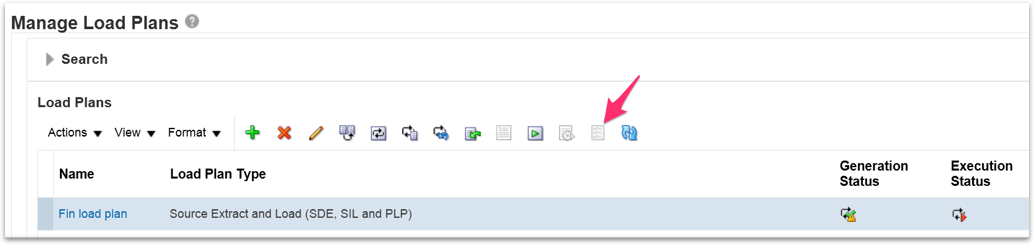
Select the desired DIAGNOSTIC HEALTHCHECK and download the zip file to your computer.
This file gets generated through a number of different steps starting with the Execute Healthcheck package and followed by the Create Report and Summarize Healthcheck package.
Execute Healthcheck is a package that only has the following procedure:
Run Diagnostics
This procedure has 12 steps. The two that are the most interesting are:
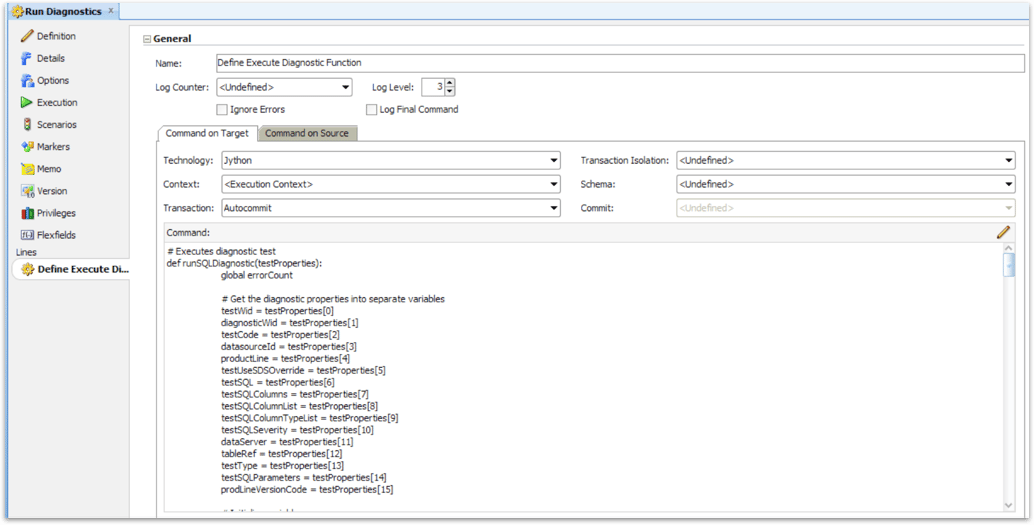
Define Execute Diagnostic Function and Run Diagnostics
The bulk of the code for the Diagnostics are in the step Define Execute Diagnostic Function. The code is Jython and it is really too long to paste here, but I highly recommend digging into how it works.
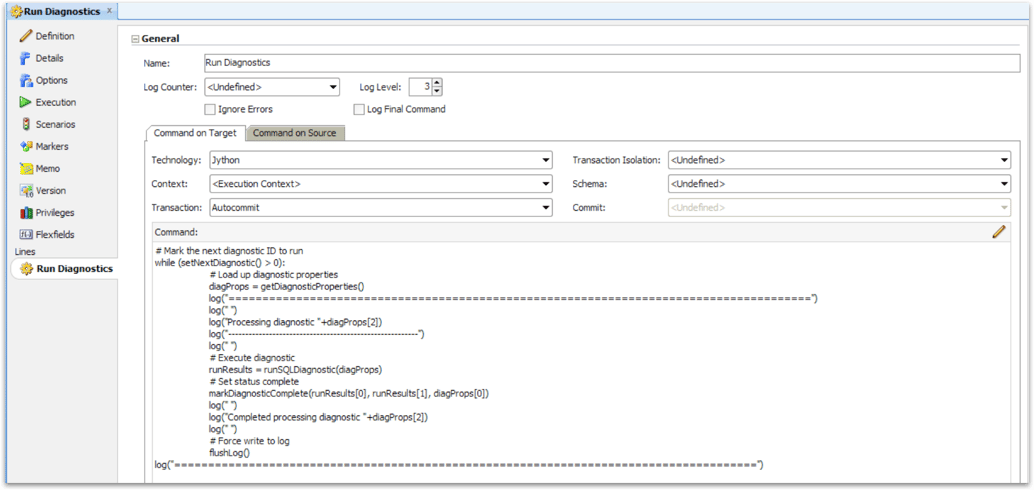
Then the step Run Diagnostics actually kicks off the process as shown here.
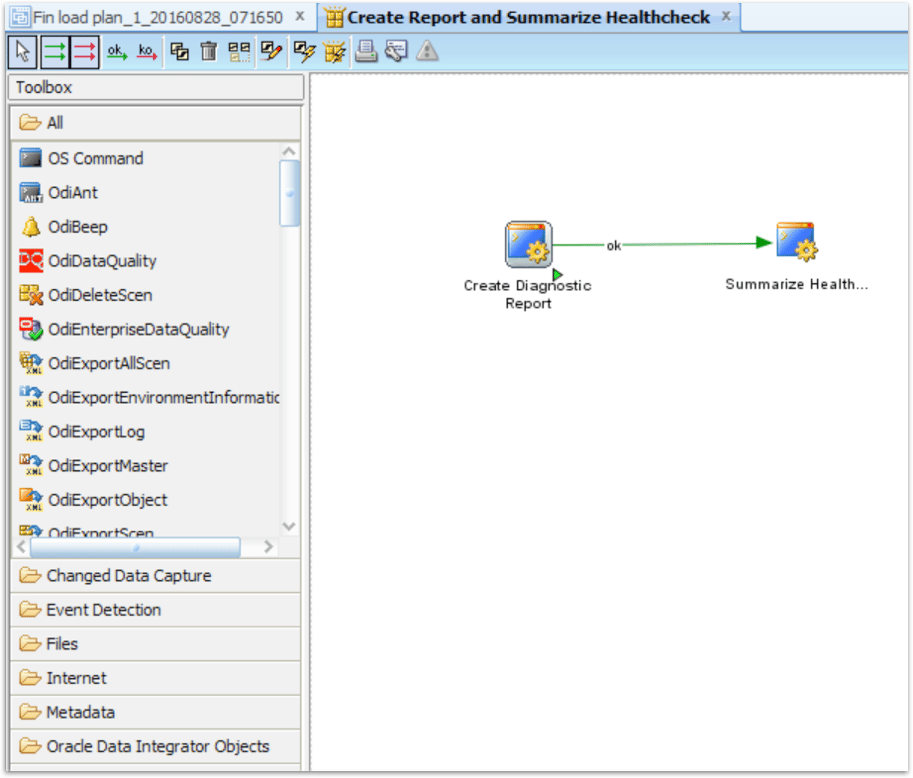
Once the diagnostics are run, there is a step in the load plan called Create Report and Summarize Healthcheck. This package has two procedures.
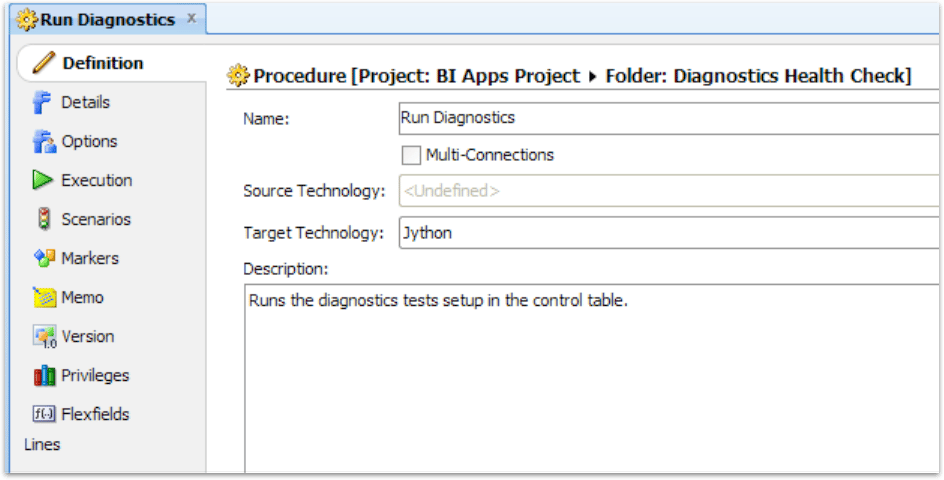
The first procedure, Create Diagnostic Report does exactly what you might guess. It does a lot of formatting and puts the diagnostic report into an html page.
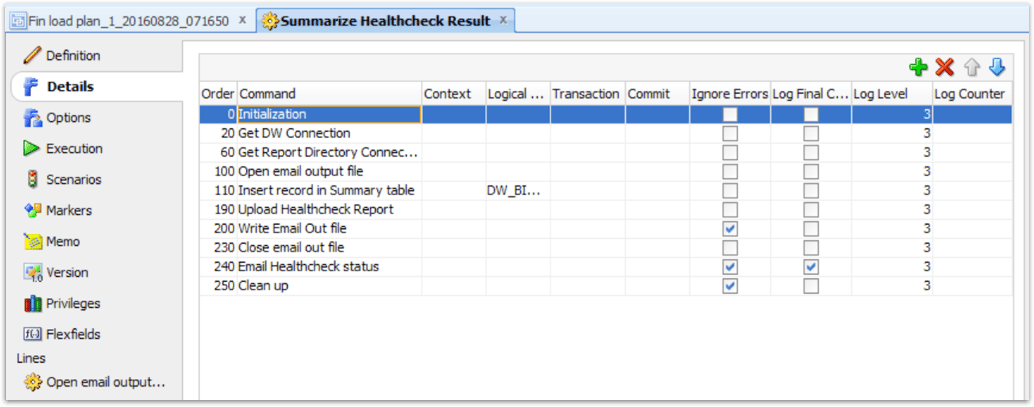
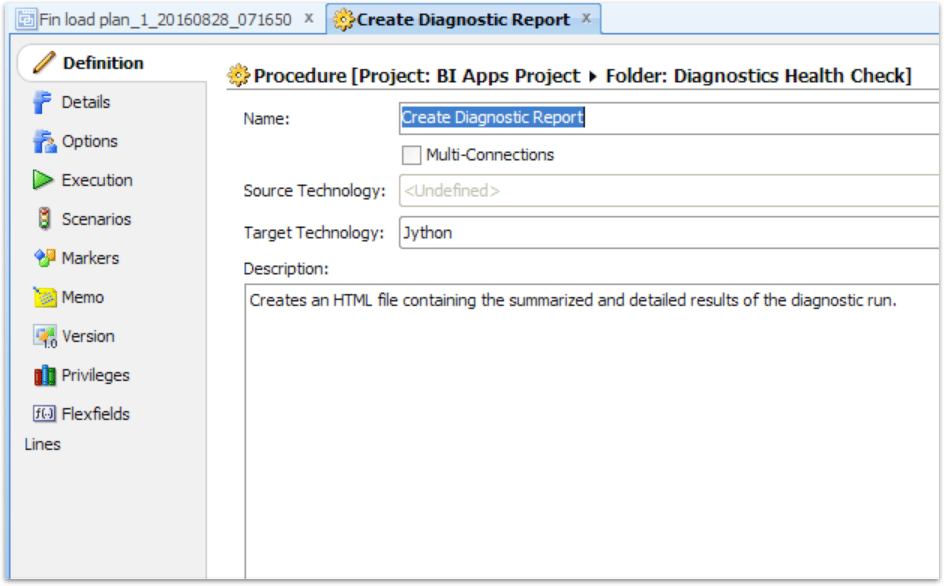
The second procedure, Summarize Healthcheck Result, takes the information, inserts it into a table, then organizes it for an email to be sent out.
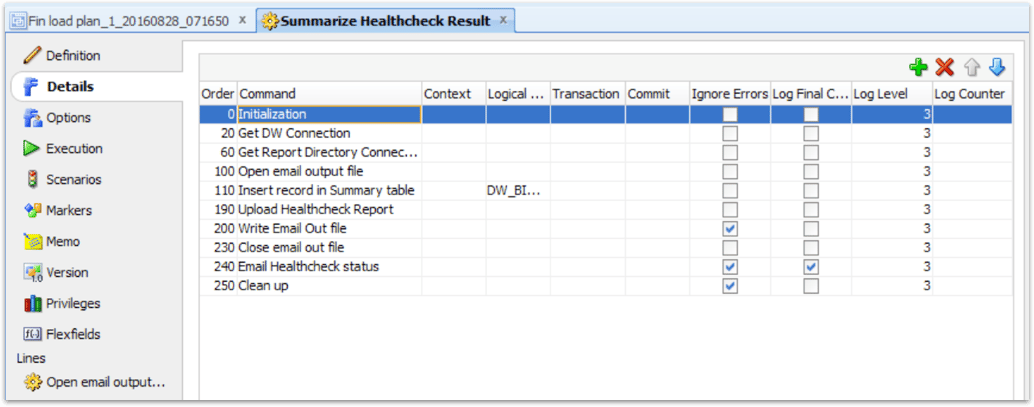
During the September 21st Oracle Advisor Webcast on BI Applications 11.1.1.10.2 New Release Overview, Rajesh Lakra, BIApps Global Product Support Lead Engineer, said the Health Check is most useful during a domain load. It checks to ensure source domain data is valid, collectively letting you know if these domains will cause issues further down in the ETL process.
Ready to streamline your Oracle analytics and upgrade your ETL processes?
Share this
Share this

Oracle Data Integrator 12c release

Parsing Badly Formatted JSON in Oracle DB with APEX_JSON


.svg)
.svg)