


Oracle Analytics Cloud Corporate Training | Oracle Analytics Data Visualization Corporate Training Agenda
Oracle Analytics data visualization corporate training agenda
Our Data visualization (DV) course is perfect for both professionals with no / basic understanding of OAC, and technical users with a good understanding / experience with OAC. It provides attendees with a full end-to-end understanding of the tool. It is designed for anyone who is new to data visualization or who wants to understand the full capabilities of a modern analytics tool.
Pythian has been an Oracle premier partner for decades
Pythian has cultivated a relationship with Oracle built on deep technical excellence and a commitment to customer success, establishing ourselves as a premier partner in the Oracle ecosystem. Our proven history working with the world's most complex Oracle environments, backed by a team of industry-leading Oracle ACEs, guarantees that your Oracle applications and data systems deliver maximum value and performance.
How is our Oracle Analytics data visualization corporate training delivered?
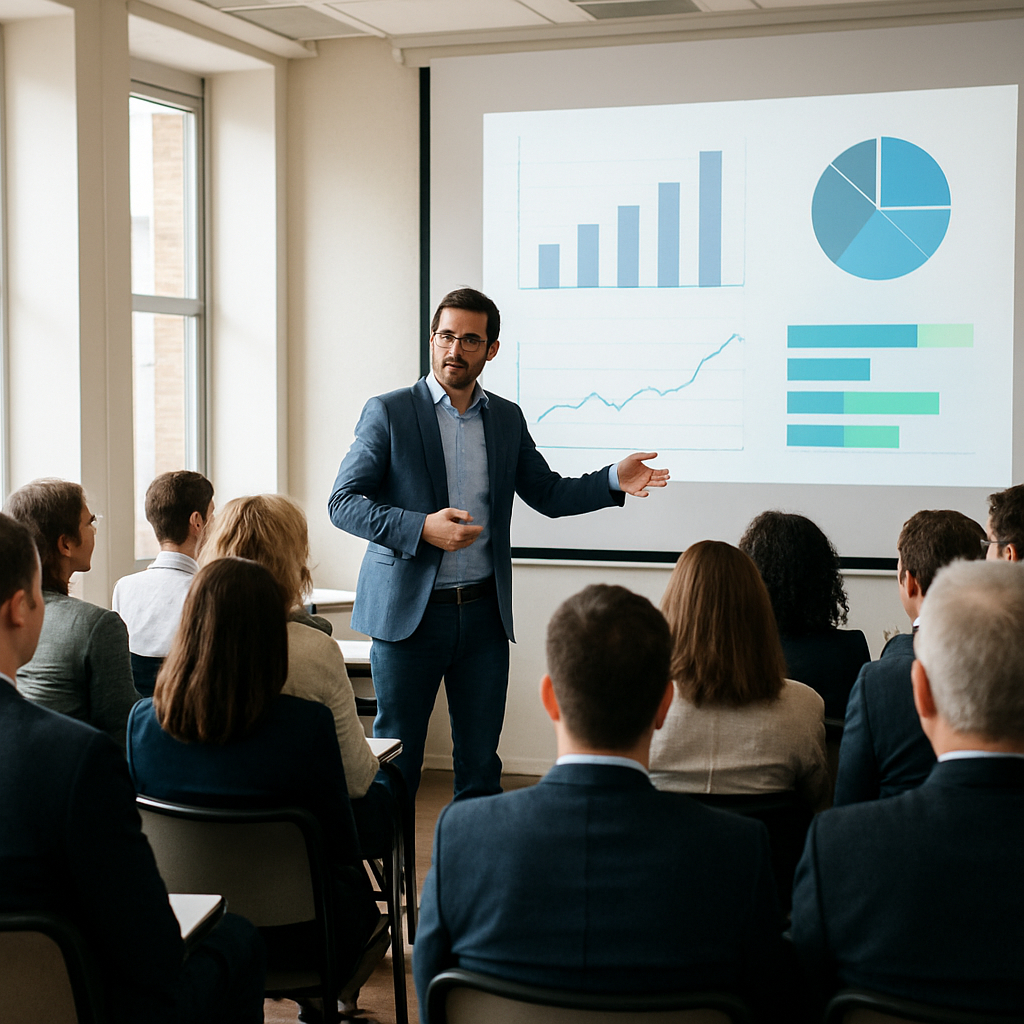
The course will be divided into lessons and labs. During lessons, the instructor will present a series of slides to explain the topic. During labs, delegates will be provided with exercises going over the functionality the instructor has just covered in the lessons. The delegates will be asked to complete the labs in the allocated time. The instructor will be available to answer any questions and provide assistance. Each delegate will be provided with a live Oracle Analytics instance to complete the labs.
Introduction
- Where does DV fit in?
- Overview of features and key processes
Data acquisition
- Connections
- Datasets
Data preparation
- Data profiles and semantic recommendations
- Preparation script
Data exploration and visualization
- Prepare
- Visualize
- Narrate
Data flows
- Adding data sources
- Transformations
- Scheduling data flows
Machine learning
- Concepts and principles
- Advanced analytics functions
- Explain attributes and measures
- Machine learning models
Lab session
- Creating a dataset from a file
- Creating a dataset with multiple tables
- Creating a workbook
- Blending data in workbooks
- Presenting data in workbooks
- Creating a data flow
- Augmented analytics
- Creating a machine learning model