


Oracle has recently released a new service within OCI called AI Data Platform Workbench, or AIDPW for short.
Oracle AI Data Platform Workbench simplifies cataloging, ingesting, and analyzing data for data professionals in an organization. The Oracle AI Data Platform Workbench service provides the platform and the framework to create data analytics pipelines.
— oracle.com
In this post I will walk through some of the main technical features of the AIDPW, checking out example notebooks, and getting familiar with the GUI
Getting Started
First thing I’d like to point out is that this is not a free service. You can of course use your “always-free” credits if you still have some remaining in your private tenancy. Once you’ve created an instance of a workbench, it will remain in an Active state and incurring costs, because it uses a Spark cluster to power itself, so to speak, and that involves compute cost. At the time of this writing there is no option to pause/stop the instance.
The Workbench instances in OCI can be found under Analytics & AI. The creation wizard will suggest which policies need to be created, depending on if you want compartment or tenancy level access. More on that here.
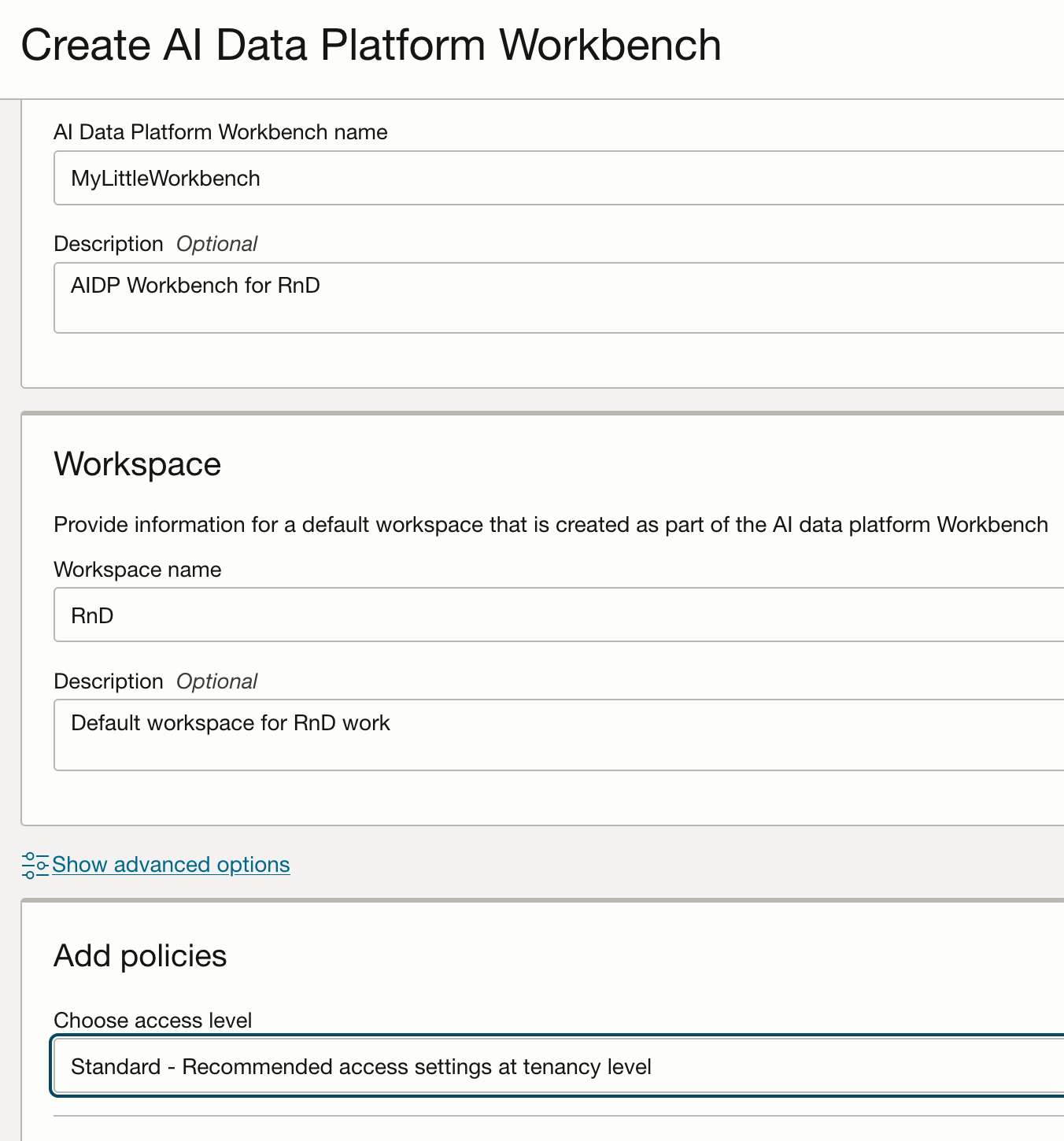
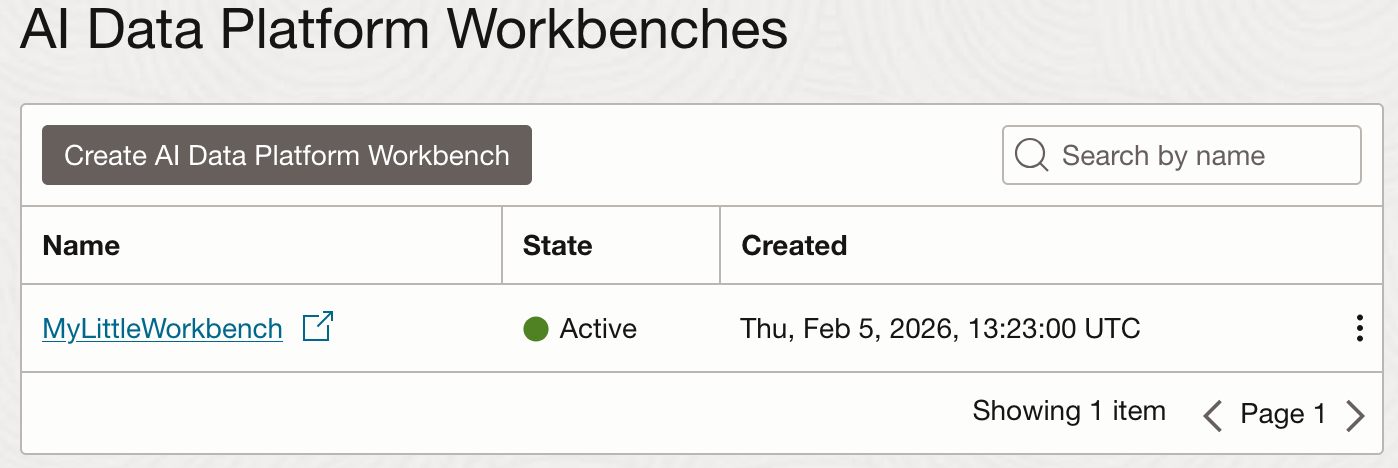
The provisioning of the instance will take about 10 minutes (milage may vary) but once all the lights are green we can start spelunking. Each workbench you create will have a dedicated URL to connect to: https://some-randome-string.datalake.oci.oraclecloud.com
Down the rabbit hole
There are X main features in the workbench to consider; Catalogues, Workspaces, Workflows, and 4. ???
Catalogues
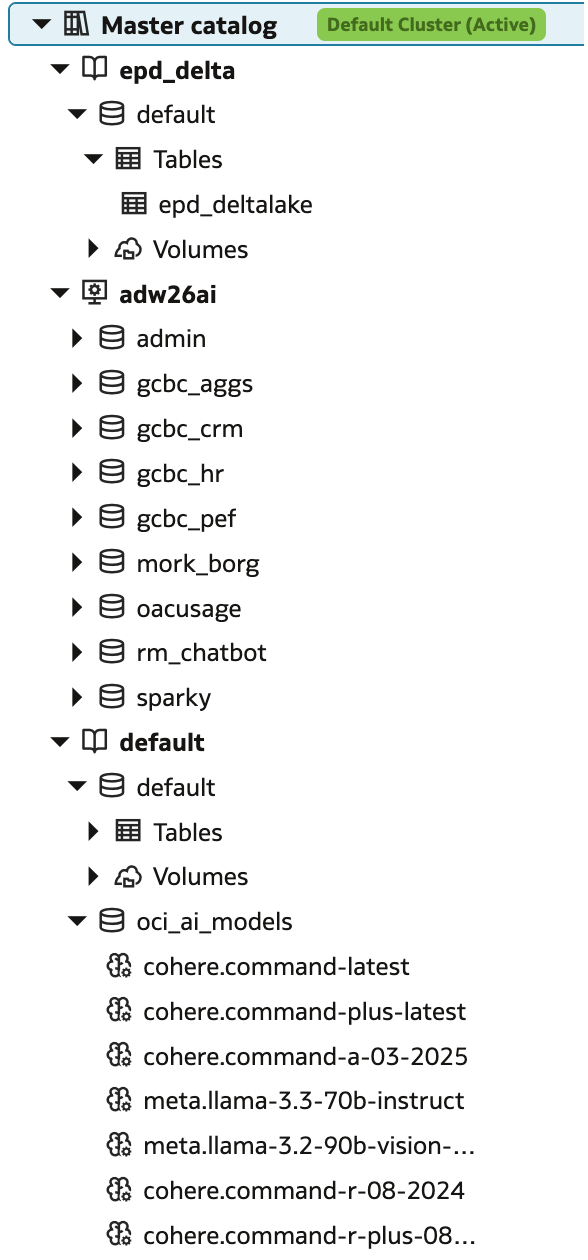
The catalogue is arguably the heart of the workbench. Here we define all the data sources / targets we need to get our job done. Table definitions can be provided manually or let the workbench reverse engineer the metadata for you, using the “Auto-populate catalog” feature. There are two types of catalogues we have to work with: Standard for CSV, JSON, Parquet, Delta Lake etc or External for Autonomous Database tables (ADW).
The Master Catalogue comes with one standard catalogue named default. It contains 7 OCI AI models that we can use to get started; 5Cohere models and 2 Llama.
Workspaces
Workspaces allow you to organise your work and manage compute clusters. These Spark clusters are provisioned with RAM and CPU and need to be fired up before any actual work can be done, and will automatically stop after 2h of idle time to save resources, by default. To run a Notebook, or any other code, we must first attach it to a running cluster. When the cluster was created we had to specify one workspace to be created for us.
All your code and file artefacts are stored here, and can be organised into folder and subfolders. There doesn’t seem to be a GitHub integration (yet?), though! What we can do is write a script (or notebook) to take care of that for us …

Workflows
We use workflows to execute jobs in sequence with potential conditional branching. Jobs could be the execution of existing notebooks or spark jobs written in Python. The jobs and workflows are stored within a workspace.
Hello World
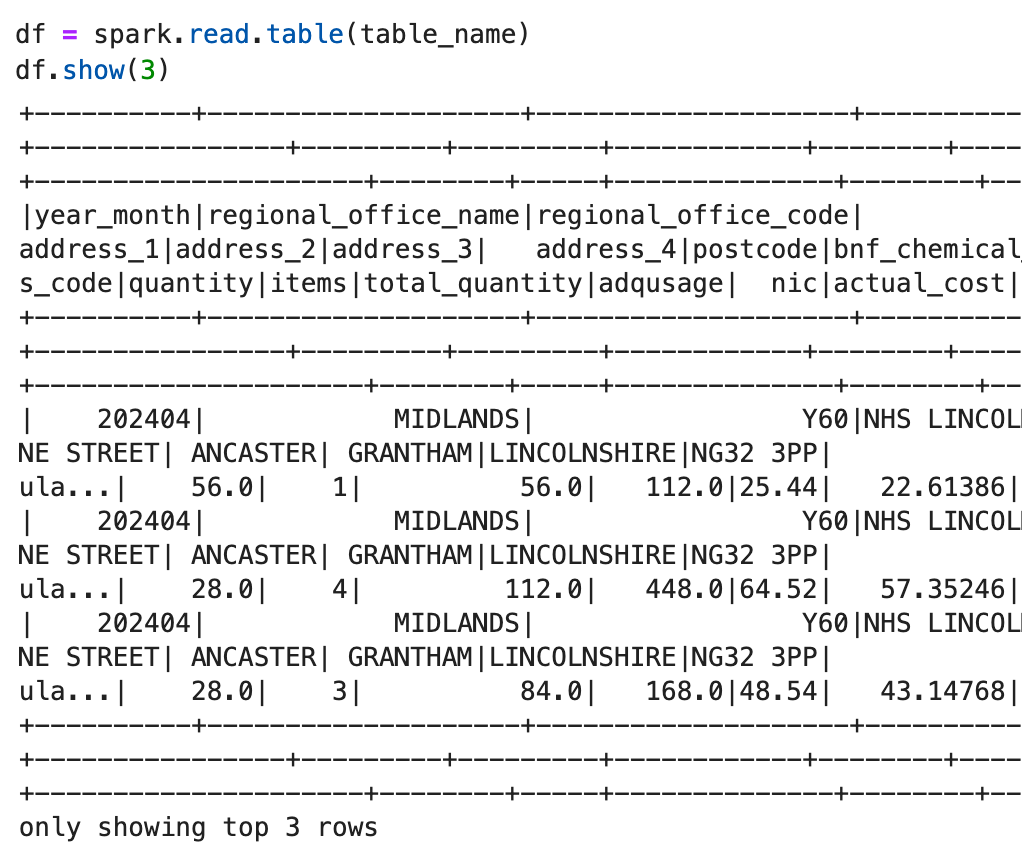
I have 9 CSV files containing public dataset called English Prescribing data, from April 2024 to December 2024 in a bucket in OCI, called EPD. Let’s create an external table for it and run a simple SQL statement
Let’s first create a compute cluster, called RnDCluster1 with default settings (8 cores, 64GB) in our workspace. Once the cluster is up and running, go ahead and create a notebook with some simple test
table_name = "epd_delta.default.epd_deltalake"
bucket = "oci://EPD@namespace/" # trailing slash is important
csv_read_options = {"header": "true","inferSchema": "true","delimiter": ","}
csv_df = spark.read.options(**csv_read_options).format("csv").load(bucket)
cols = csv_df._jdf.schema().toDDL()
if spark.catalog.tableExists(table_name):
    spark.sql(f"DROP TABLE IF EXISTS {table_name}").show()

create_table_ddl = f"""CREATE EXTERNAL TABLE IF NOT EXISTS {table_name}
  ({cols})
  USING CSV OPTIONS('header'='true', 'delimiter'=',')
  LOCATION '{bucket}'"""

if not spark.catalog.tableExists(fq_table_name):
    spark.sql(create_table_ddl).show()
    print(f"Created table: {table_name}")

Created table: epd_delta.default.epd_deltalake
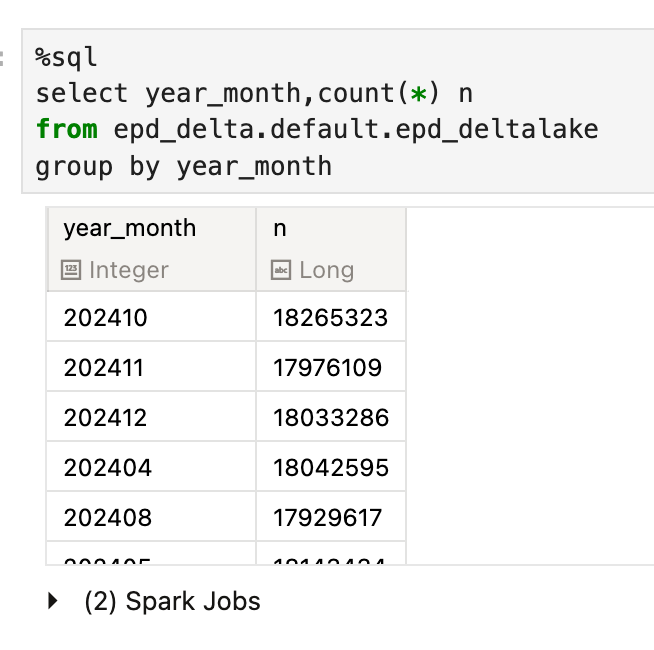
%sql
select count(*) n from epd_delta.default.epd_deltalake
Conclusion
The Oracle AI Data Platform Workbench is under the umbrella of Oracle’s AI Data Platform, along with Oracle Analytics Cloud (OAC), Autonomous AI Database, and Object Storage. The workbench provides analysts an easy-to-use end-to-end data and AI development platform. Get started today — but keep an eye on the money metre!
P.S. No AI was harmed in writing this post!
Share this
Share this

Why to Work with Certified Oracle ACE Consultants
An Oracle-based approach to the "taxi fare" prediction problem - episode 1


.svg)
.svg)